

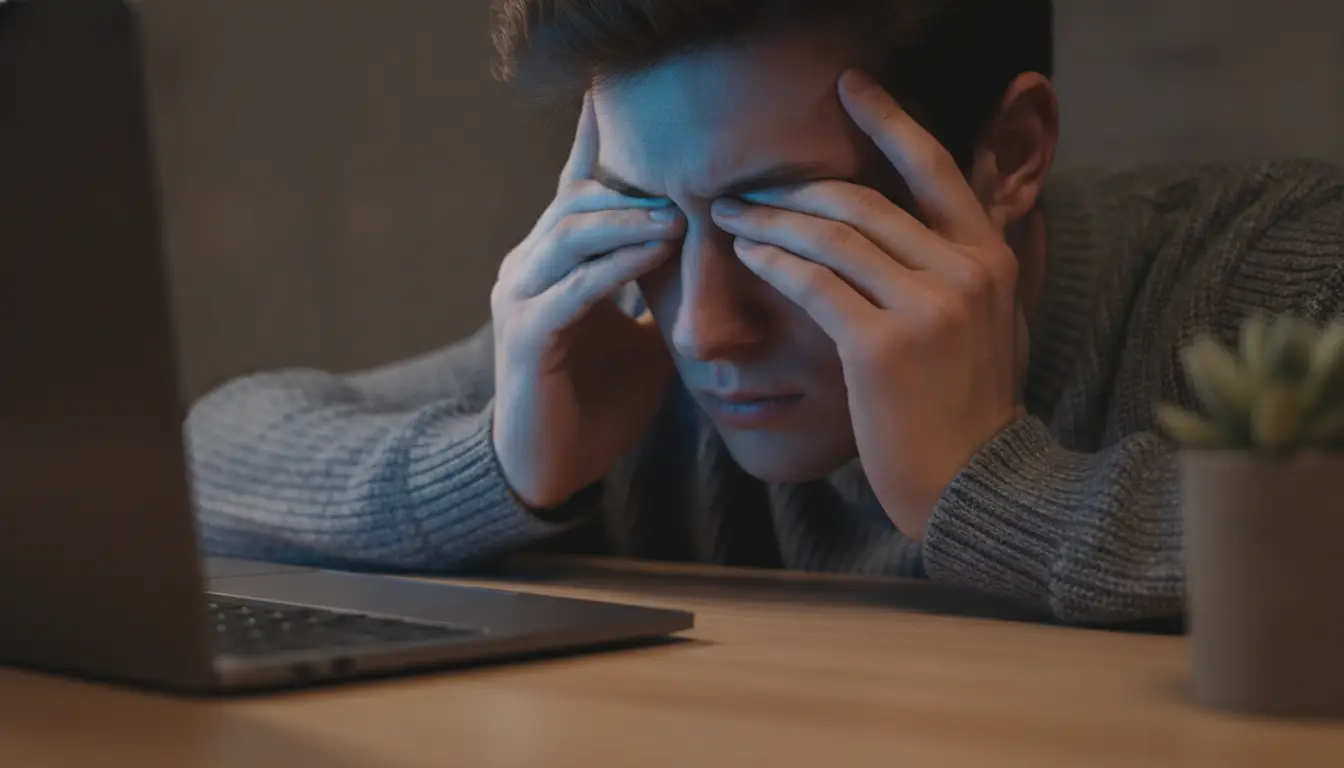

Screen fatigue can feel like one of those modern problems everyone just accepts. You stare at a laptop for work or school, scroll on your phone between tasks, answer messages, stream something at night, and by the end of the day, your eyes feel done.
Sometimes that tired feeling is exactly what it seems like: your eyes reacting to long hours of close-up work and screens. Other times, it is a clue that something else is going on.
Paul Michael Mann, MD, FACS, from Mann Eye Institute, explains that tired eyes can start with screen habits, but dry eye, contact lens irritation, prescription changes, or other eye health issues can also play a role. In other words, the screen may be part of the problem without being the only problem.
Digital eye strain, often called computer vision syndrome, can cause tired eyes, headaches, blurry vision, dry eyes, and neck or shoulder discomfort [1]. The tricky part is that those symptoms can overlap with other common eye problems. That is why it helps to know what to watch for instead of assuming every symptom is “just screens.”
Tired Eyes Can Have More Than One Cause
A long screen day asks your eyes to do a lot of the same thing for hours: focus up close.
That can be tiring. The eyes have to keep focusing, refocusing, and staying aligned while you read text, switch tabs, check your phone, and move between different screen sizes. If you are also sitting under bright lights, working near a window, or using a small laptop screen, the strain can build without you noticing it right away.
Screen fatigue can show up in different ways. Your eyes may feel heavy. Words may blur after a while. You may rub your eyes more. A headache may start behind your forehead or around your temples. You may feel like you need to keep changing your screen brightness or font size.
That does not automatically mean something serious is happening. The American Academy of Ophthalmology notes that computer use can make eyes feel tired or dry, but it does not cause permanent eye damage [2].
Still, “not permanent damage” does not mean “ignore it.”
If the same symptoms keep showing up, the cause may be more specific than screen time in general. It could be your workstation. It could be your contacts. It could be an outdated prescription. It could be dry eye. It could also be a combination of small things that add up by late afternoon.
That is why the first useful step is noticing the pattern.
Do your eyes feel worse after video calls? After reading a small text? After using your phone in bed? After wearing contacts all day? After driving at night? Those details matter because they point to different possible causes.
How Dry Eye Can Make Screens Harder to Handle
Dry eye is one of the biggest reasons screen use can feel harder than it should.
Your eyes need a stable tear film to stay comfortable and to keep vision clear. When that tear film is not working well, vision can blur in a way that comes and goes. You blink, things clear up for a moment, and then the blur creeps back.
That can feel like your eyes are failing to focus, but the issue may be the surface of the eye.
Screen use can make this worse because people tend to blink less often and less completely while looking at digital devices. Research has linked digital screen use with reduced blinking and tear-film problems, which can contribute to dryness and irritation [3].
This is why your eyes may feel fine in the morning but irritated by late afternoon. It is not always one big trigger. It may be a slow stack of small ones: fewer blinks, air conditioning, contacts, long reading sessions, and not enough breaks.
Dry eye can also feel different from person to person. Some people notice burning. Others feel grittiness, watering, redness, or fluctuating vision. Yes, watery eyes can still be part of a dryness problem. The eyes may produce reflex tears when the surface feels irritated, but those tears may not solve the underlying tear-film issue.
Screens do not have to be avoided completely. That is not realistic for most people. But if dry eye is part of the picture, basic screen advice may only go so far.
The 20-20-20 rule can help: every 20 minutes, look at something about 20 feet away for at least 20 seconds [1]. It gives your focusing system a short break and can remind you to blink more normally. Adjusting airflow, using appropriate lubricating drops, and taking contact lens breaks may also help, but persistent symptoms deserve a real evaluation.
Guessing is where people get stuck. They buy random eye drops, turn down the brightness, or blame sleep, but the discomfort keeps coming back. At that point, it is worth asking whether dry eye is part of the reason screens feel so exhausting.
When Your Prescription May Be Part of the Problem

Not every prescription change is dramatic.
You may not suddenly fail to read a sign or notice a major shift in your vision. Sometimes the first sign is effort. Your eyes still get the job done, but they work harder to do it.
That extra effort can show up during screen use because digital tasks are unforgiving. Small text, spreadsheets, long articles, online forms, and constant device switching all demand clear near vision. If your glasses or contacts are not quite right, your eyes may compensate for a while. By the end of the day, that compensation can feel like fatigue.
This can happen even if you already wear glasses. A prescription that works well for driving may not be ideal for hours of computer work. Progressive lenses or bifocals can also create an awkward posture if the screen sits too high or too low. The Occupational Safety and Health Administration recommends placing a monitor directly in front of the user, at least 20 inches away, with the top line of the screen at or below eye level [4].
That setup is not just about comfort. It can affect how you use your eyes and neck throughout the day.
If you find yourself leaning forward, lifting your chin, squinting, or moving your screen around to find a clear spot, your setup may not match your vision needs. Some people benefit from updated glasses. Others may need computer-specific lenses. Contact lens wearers may need a different lens type, a different wearing schedule, or dry eye treatment before lenses feel comfortable again.
The key is not to self-diagnose based on one symptom.
Blurry vision after a long workday could be digital eye strain. It could be dry eye. It could be a prescription issue. It could be several things at once. An eye exam can help separate those possibilities instead of treating screen fatigue like a single problem with a single fix.
What to Bring Up at Your Next Eye Exam
If you schedule an eye exam for screen-related symptoms, do not just say, “My eyes feel tired.”
That is a start, but the better details are more specific.
Mention when the symptoms happen. Morning or afternoon? During laptop work or phone use? With contacts or glasses? While studying, gaming, driving, or reading? Also mention whether your vision clears after blinking, whether your eyes burn or water, and whether headaches follow long periods of near work.
It can also help to describe your daily screen setup. How close is your monitor? Do you use a laptop as your main screen? Are you under bright overhead lights? Do you work near a window? Do you switch between multiple screens all day?
These details may feel small, but they help your eye doctor understand the real-life conditions your eyes are dealing with.
You should also bring up symptoms that seem unrelated but may matter, such as light sensitivity, trouble with night driving, frequent redness, contact lens discomfort, or one eye feeling different from the other. Eye strain is common, but symptoms that persist, worsen, or interfere with daily activities should be checked.
A comprehensive exam can look at more than how clearly you read letters on a chart. Depending on your symptoms, it may include a prescription check, eye health evaluation, tear-film assessment, contact lens review, and imaging or additional testing when needed.
For screen-heavy patients, the practice’s Texas locations offer general eye exams, dry eye evaluation, diagnostic imaging, contact lens support, and care for symptoms that may need more than a quick screen-habit adjustment. That can be useful when tired eyes do not come down to one simple fix.
Sometimes the answer is simple: change the lighting, raise the font size, take more consistent breaks, or update a prescription. Sometimes dry eye needs treatment. Sometimes the exam finds another reason your eyes are working harder than they should.
Screen fatigue may be common, but your eyes should not feel worn out every day. If tired eyes are changing how you study, work, drive, or relax, it is worth finding out what is actually causing the strain.
References:
[1] American Optometric Association. (n.d.). Computer vision syndrome. American Optometric Association. Retrieved June 16, 2026, from https://www.aoa.org/healthy-eyes/eye-and-vision-conditions/computer-vision-syndrome
[2] American Academy of Ophthalmology. (2024, June 27). Computers, digital devices, and eye strain. American Academy of Ophthalmology. https://www.aao.org/eye-health/tips-prevention/computer-usage
[3] Kaur, K., Gurnani, B., Nayak, S., Deori, N., Kaur, S., Jethani, J., Singh, D., & Agarkar, S. (2022). Digital eye strain: A comprehensive review. Ophthalmology and Therapy, 11, 1655-1680. https://doi.org/10.1007/s40123-022-00540-9
[4] Occupational Safety and Health Administration. (n.d.). Computer workstations eTool: Workstation components – monitors. U.S. Department of Labor. Retrieved June 16, 2026, from https://www.osha.gov/etools/computer-workstations/components/monitors


