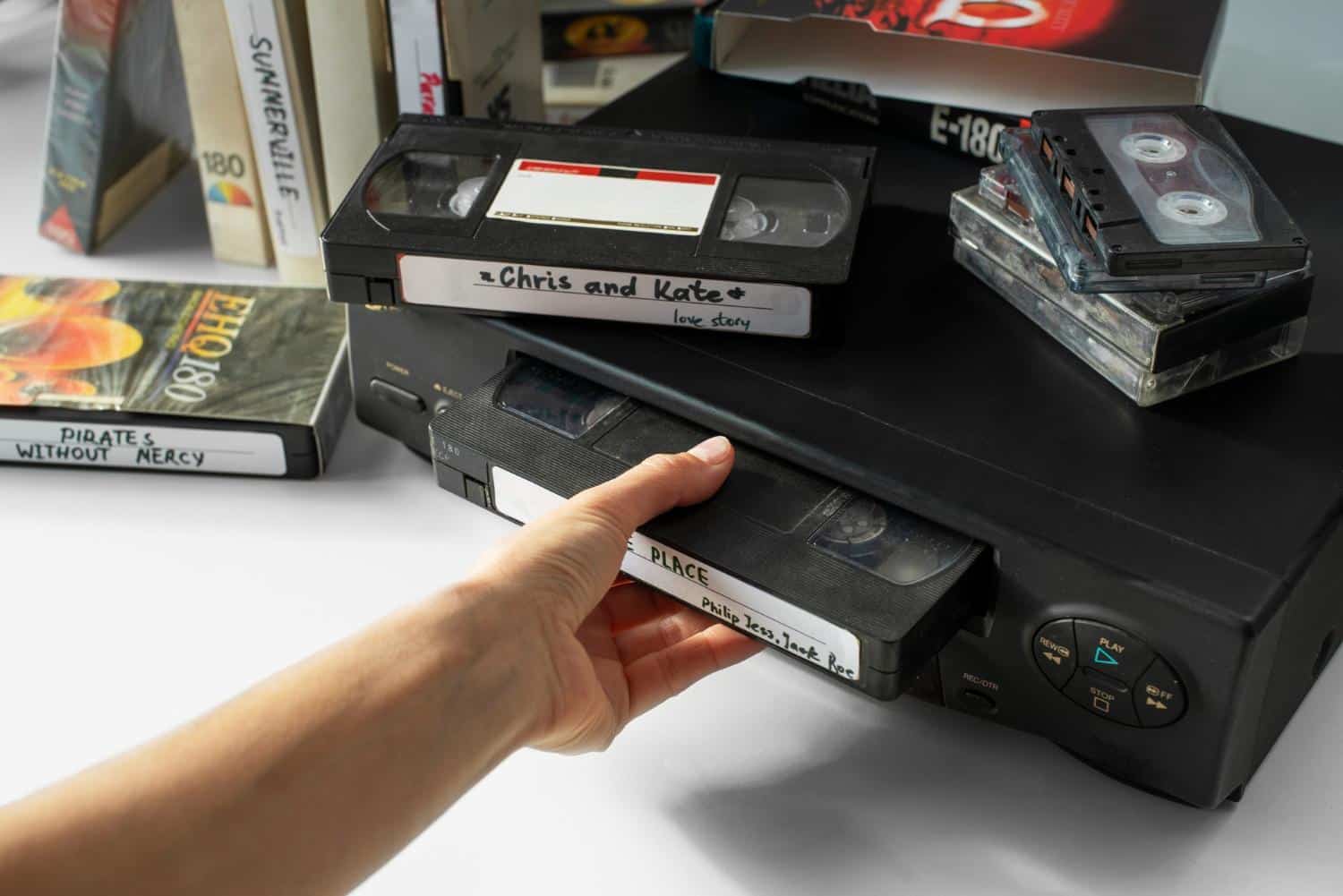

Some comebacks happen because the old thing was genuinely better. The VHS revival is different: it’s part vibe (soft blur, tracking wobble, that chunky cassette you hold with two hands) and part quiet urgency.
A lot of family history is still sitting on magnetic tape, and it ages whether you watch it or not. Turning home movies from vhs to digital is less about chasing the retro look and more about saving what’s already yours.
The Nostalgia Wave: Why VHS Feels Weirdly Good Again
These days, a lot of younger people are getting weirdly into physical media again. Partly because it feels good to actually own something instead of renting it through subscriptions.
At the same time, nostalgia has become a content engine. TikTok keeps recycling decades into new micro-trends, and late-’80s/’90s comfort aesthetics show up everywhere: from decor and fashion to the way people shoot and edit clips.
There’s also a practical reason nostalgia hits harder now: streaming made media convenient, but it also made it feel disposable. Your old tapes are the opposite. They’re physical proof that a moment existed, and that you were there.
Retro Aesthetics: The Imperfect Look We Now Treat Like a Filter
Creators don’t chase VHS because of high fidelity but because it’s expressive. The scan lines, the blown highlights, the slight smear on motion. Today, when everything is sharp, stabilized, and color-graded to the same handful of looks, these imperfections read as “human”.
And you don’t even need a camcorder from 1994 to get the style. Modern editing tools can recreate it with overlays, presets, and effects designed specifically to mimic VHS-era video.
The funny part is that we’ll spend time making new footage look old… while the truly old footage sits in a closet, degrading in silence. The point of moving vhs to digital isn’t to make it look modern. It’s to keep it watchable and shareable before the tape or the VCR gives up.
Here’s why it’s worth it, even if the tape feels like nothing special:
- Those “boring” clips become gold later. The background details matter: your old apartment layout, a grandparent’s voice, the way birthdays actually looked, not how you remember them.
- VHS doesn’t age gracefully. The picture can get noisier, colors shift, and dropouts show up over time, especially if tapes weren’t stored well.
- VCRs are the real bottleneck now. Even if your tape is fine, the player might not be, and replacements aren’t getting easier to find.
- You can share and back up copies. Once you transfer vhs to digital, you’re not risking the only original every time someone wants to watch it.
- It’s easier to organize your family archive. A pile of unlabeled cassettes turns into folders you can search, sort, and revisit.
- You keep the retro feel without losing access. Digitizing doesn’t erase the VHS vibe, it just makes it playable on modern devices.
If your goal is to convert vhs to digital in a way that’s easy and doesn’t turn into a full-time project, this is the mindset that helps: preserve the footage first, polish only if you feel like it later.
How to Convert VHS to Digital Step by Step
You only need three things to digitize vhs tapes at home: a working VCR, a capture device (often sold as a VHS converter), and a computer with capture/conversion software.
Step 1: Inspect and store the tapes properly
If the tape looks dusty inside, smells musty, or has visible fuzzy growth, do not play it right away. Mold and debris can clog heads and make playback worse, and it can spread to other tapes. Professional guidance on tape handling and degradation issues like binder problems and head clogs is well documented.
If everything looks clean, you’re good to proceed.
Step 2: Test with a tape you care about less
Old VCRs can be unpredictable. If something is wrong, you want to discover it on a less precious cassette first.
Step 3: Connect everything
The capture device is the bridge between analog and digital.
- VCR video out → capture device video in (composite or S-Video)
- VCR audio out (red/white) → capture device audio in
- Capture device → computer (USB)
If your capture device offers both composite and S-Video, use S-Video when your VCR supports it. It won’t make VHS HD, but it can reduce some color bleed and crawling artifacts.
Step 4: Press play, then record
This is the part people underestimate: it happens in real time. A two hour tape takes two hours. That’s normal. Don’t multitask too hard while recording. Let the computer focus as you want a stable capture, not a notification circus.
Step 5: Do a quick cleanup
After capture, do a light edit:
- Trim dead air at the start/end.
- If needed, nudge brightness/contrast so faces don’t live in shadow.
- Reduce hiss or hum if the audio is rough.
Also: VHS is interlaced. For modern screens, deinterlacing (or exporting in a way that handles interlacing correctly) can make motion look more natural instead of “combed.”
Step 6: Save the file in a widely playable format
A common mistake is capturing directly to a tiny, heavily compressed file. That’s convenient, but it locks in artifacts and makes editing harder. If your goal is to transfer vhs to digital so everyone can watch it easily, record at a reasonably high bitrate during capture, then save as MP4 for sharing afterward.
Final Thoughts: Why This Trend Sticks Around
If the whole VHS comeback has taught people anything, it’s this: the “imperfect” look is fun, but the memories on those tapes are the real point. VHS home videos capture the small stuff you never thought you’d miss.
If you’ve been putting it off, start small. Pick one tape you actually care about, and get it off the shelf and onto something you can watch on a normal screen. And if a tape looks rough or the VCR acts up, that’s a good sign to hand it to a transfer service instead of forcing it. The goal isn’t perfection. It’s making sure your past stays accessible.