

You’re lying in bed when suddenly the ceiling fan starts shaking. It wobbles back and forth like it’s about to fall down. Your heart skips a beat.
This happens to lots of people every day. Ceiling fans wobble for many reasons. Some are easy to fix. Others need more work.
The good news? Most wobbly fans can be fixed at home. You don’t need fancy tools or special skills. Just a little time and patience.
Here’s why ceiling fans wobble. You’ll learn if it’s dangerous. Plus, you’ll get step-by-step fixes that really work. By the end, your fan will spin smoothly and quietly again.
What Makes Ceiling Fans Start Wobbling?
Understanding why fans wobble helps you fix the problem faster. Let’s look at the main reasons your ceiling fan might be acting up.
1. Loose Screws Create Problems
Over time, screws get loose from all the spinning. The fan shakes them loose bit by bit. This makes the whole fan unstable.
The constant vibration is like a slow-motion earthquake for your fan. Even the tightest screws will eventually work their way loose. Check your fan every few months to catch this problem early.
2. Blades Get Out of Balance
When one blade weighs more than others, trouble starts. The heavy side pulls down more. This creates a rocking motion that gets worse at high speeds.
Even tiny weight differences can cause big problems. A small chip in one blade or extra dust can throw everything off. Manufacturing differences between blades also contribute to this issue.
3. Dust Piles Up Unevenly
Thick dust on blades adds weight. But it doesn’t spread evenly. Some blades get heavier than others. This throws off the balance completely.
Kitchen fans collect grease along with dust, making the problem worse. Humidity also affects how dust sticks to different parts of each blade. Regular cleaning prevents this buildup from becoming a major issue.
4. The Ceiling Box Moves
The electrical box holds your fan to the ceiling. If it’s loose, the whole fan can wiggle. This is one of the more serious problems.
Many older homes have regular electrical boxes that weren’t designed for fan weight. The box needs to be anchored directly to the ceiling joists to handle the constant motion and weight properly.
5. Bad Setup From the Start
Sometimes fans wobble because they weren’t put in right. Or the parts are just wearing out after years of use.
Poor installation often shows up months or years later as parts settle and shift. Age also causes metal to fatigue and plastic parts to warp slightly over time.
Now that you know what causes wobbling, let’s talk about whether it’s actually dangerous.
Could a Wobbly Ceiling Fan Be Risky?
A little wobble isn’t usually scary. But big wobbles can cause real problems. The motor has to work harder when things are off balance.
This can break the motor and cost you money. In very bad cases, a fan could fall down. This happens when the mounting breaks or pulls away from the ceiling. It’s not common, but it’s not worth the risk.
Small wobbles that stay the same are usually okay. But watch out for wobbles that get worse. Also, be careful if you see the mounting bracket moving or hear weird noises.
Don’t wait; if the problem keeps getting worse. Fixing it early stops bigger troubles later.
Materials You’ll Need
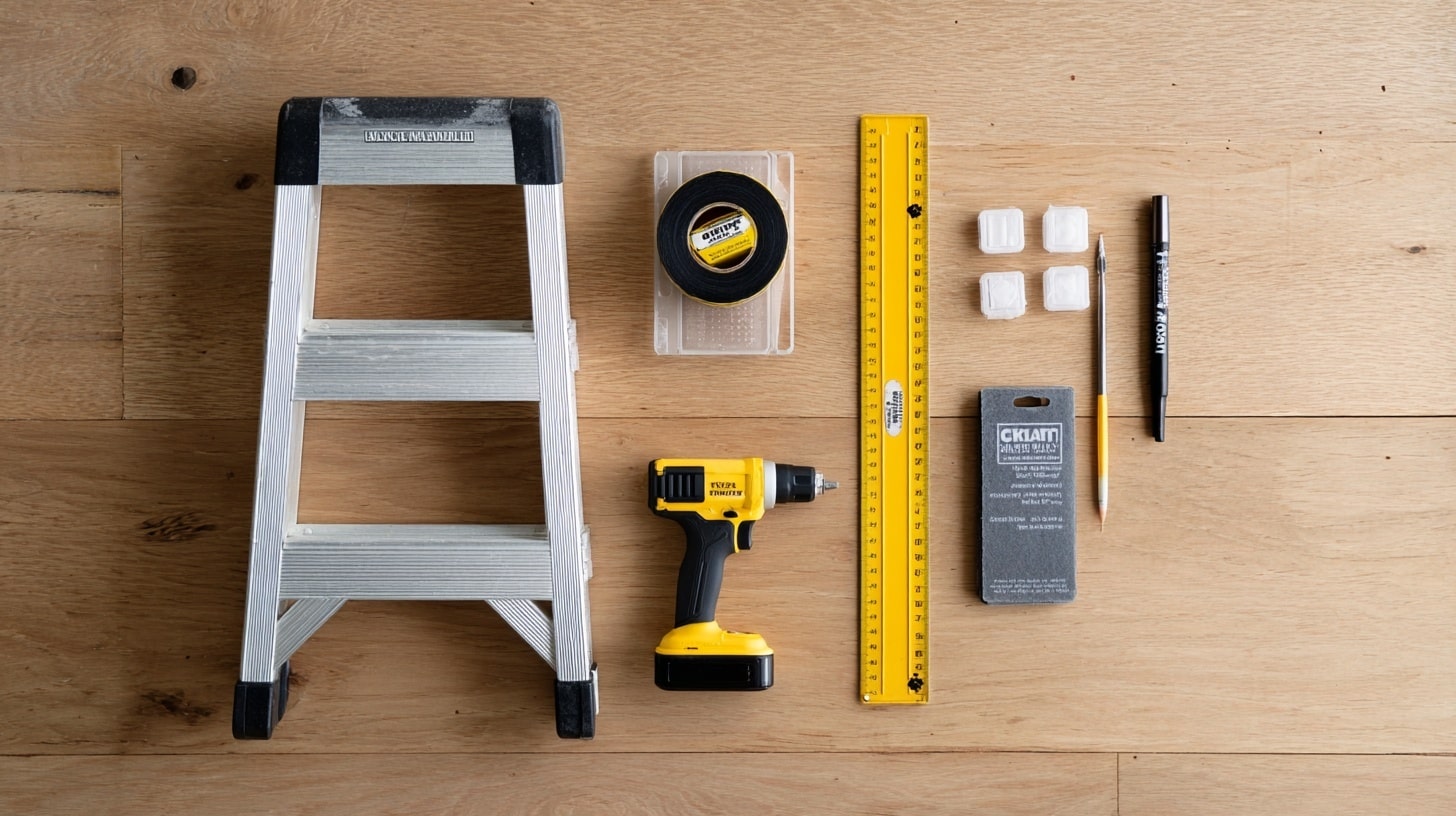
Before you start fixing your wobbly fan, gather these basic items. Having everything ready makes the job go much smoother.
- Step stool or ladder
- Tape measure
- Phillips screwdriver
- Marker (Sharpie works well, silver shows up on dark blades)
- Ceiling fan balancing kit (trial clip and adhesive weights)
Most of these items are probably already in your toolbox. If you don’t have a balancing kit, you can buy one at any hardware store for under $10.
Simple Steps to Fix Your Wobbly Fan
These steps work for most wobbly ceiling fans. Take your time with each step to get the best results.
Step 1: Find the worst speed
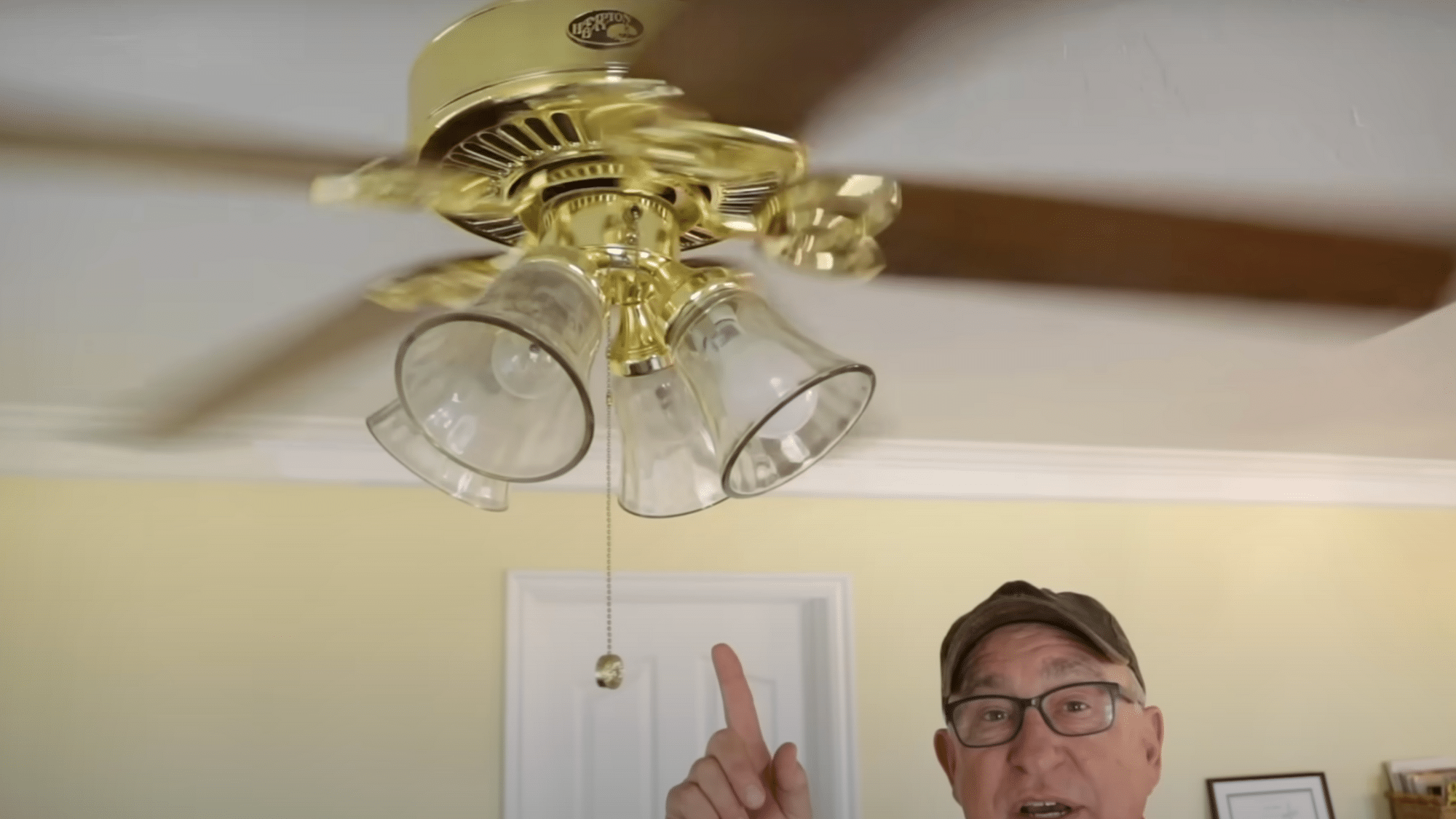
Run your fan on low, medium, and high speeds. Watch carefully to see which speed shows the strongest wobble. Note which speed makes the problem most obvious.
Do all your testing and fixes at that speed. This gives you the clearest view of the problem.
Step 2: Check blade alignment and tighten everything
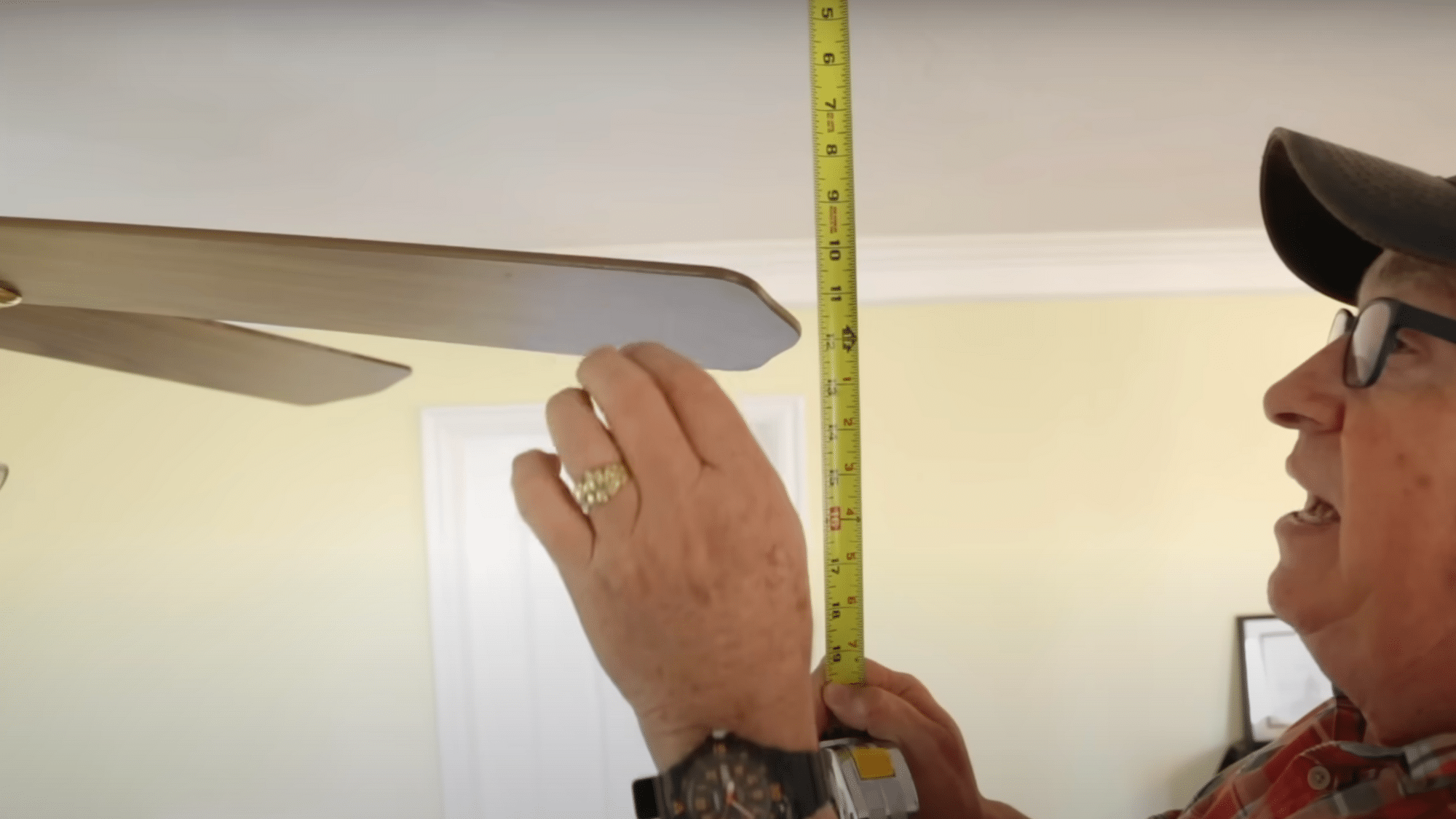
Use your ceiling as a reference point. Measure from the same spot near each blade tip to the ceiling. Write down any blades that are different and mark problem blades with your marker.
Tighten all screws that connect blades to arms and arms to the motor. Check blade brackets for bends and gently straighten them if needed.
Step 3: Test again before balancing
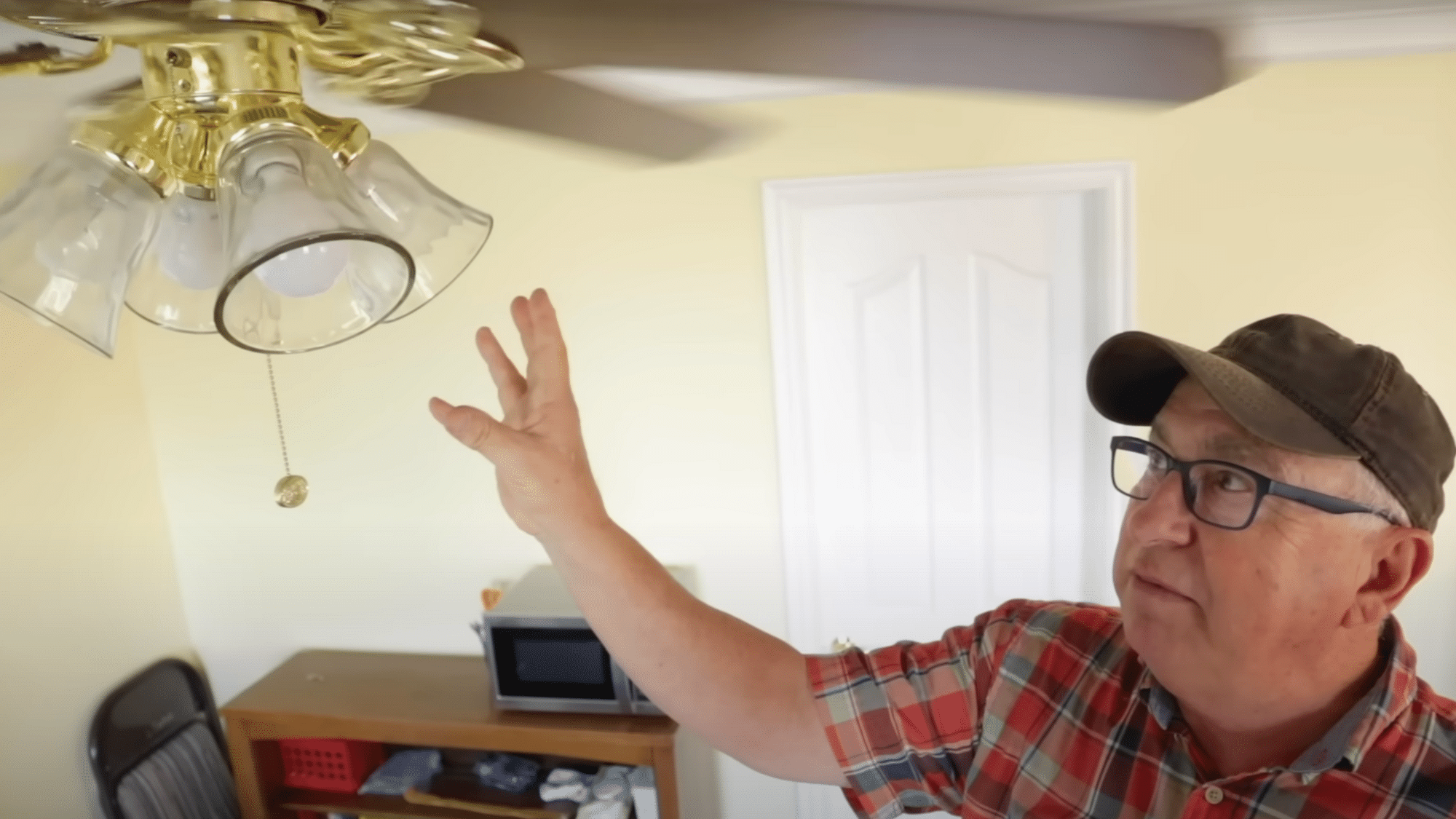
Turn the fan back on at the same problem speed. Watch how it moves now. If it still wobbles, keep going with the next steps.
Always let the fan stop completely before making changes. Never grab a moving blade to stop it.
Step 4: Use the trial clip to find the right spot
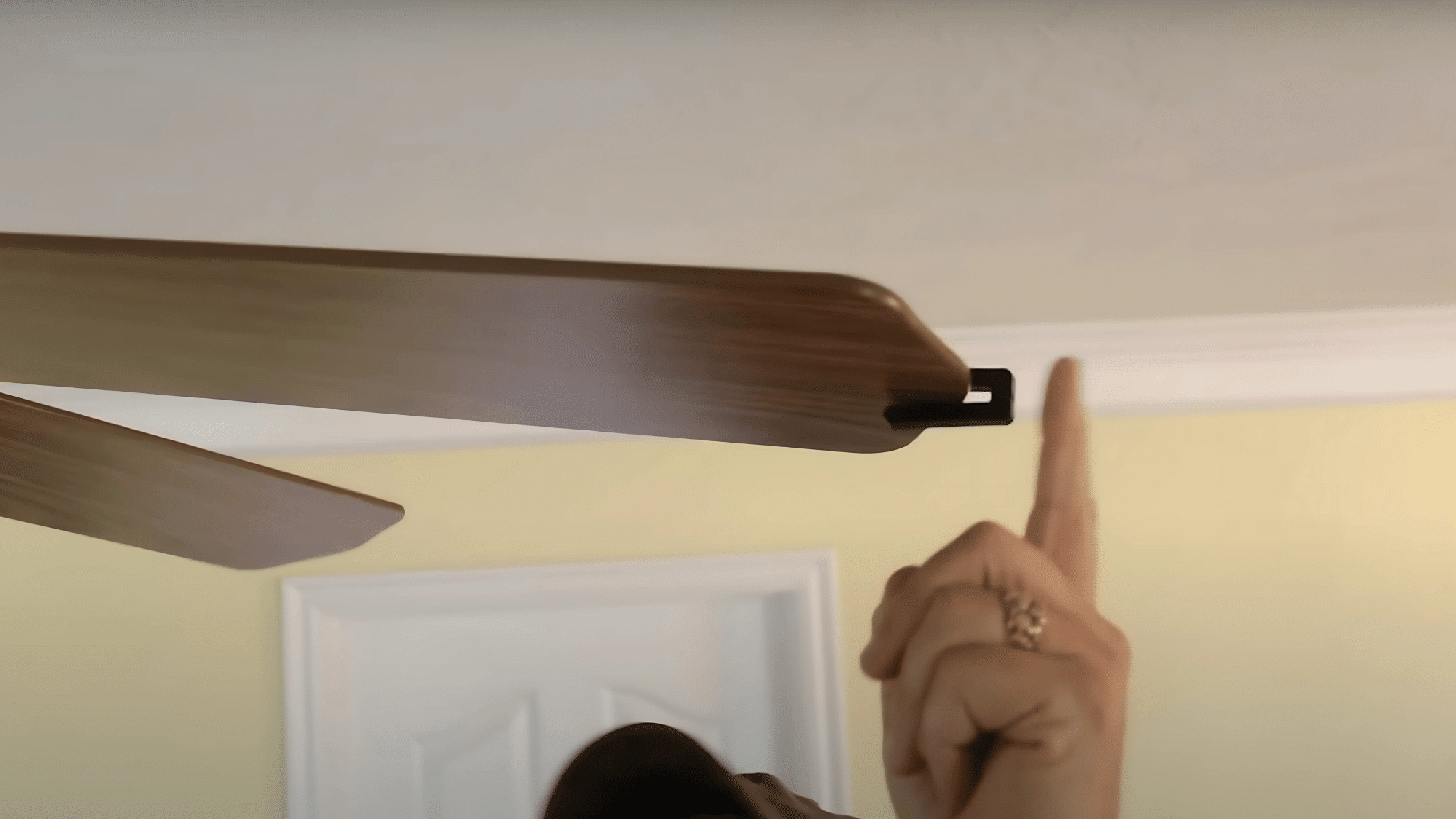
Clip the trial weight from your kit onto one blade. Start with a blade you marked earlier. Run the fan and see if it gets better or worse.
Move the clip to other blades until you find the biggest improvement. Then slide the clip along that blade to find the exact sweet spot.
Step 5: Put on the permanent weight and test
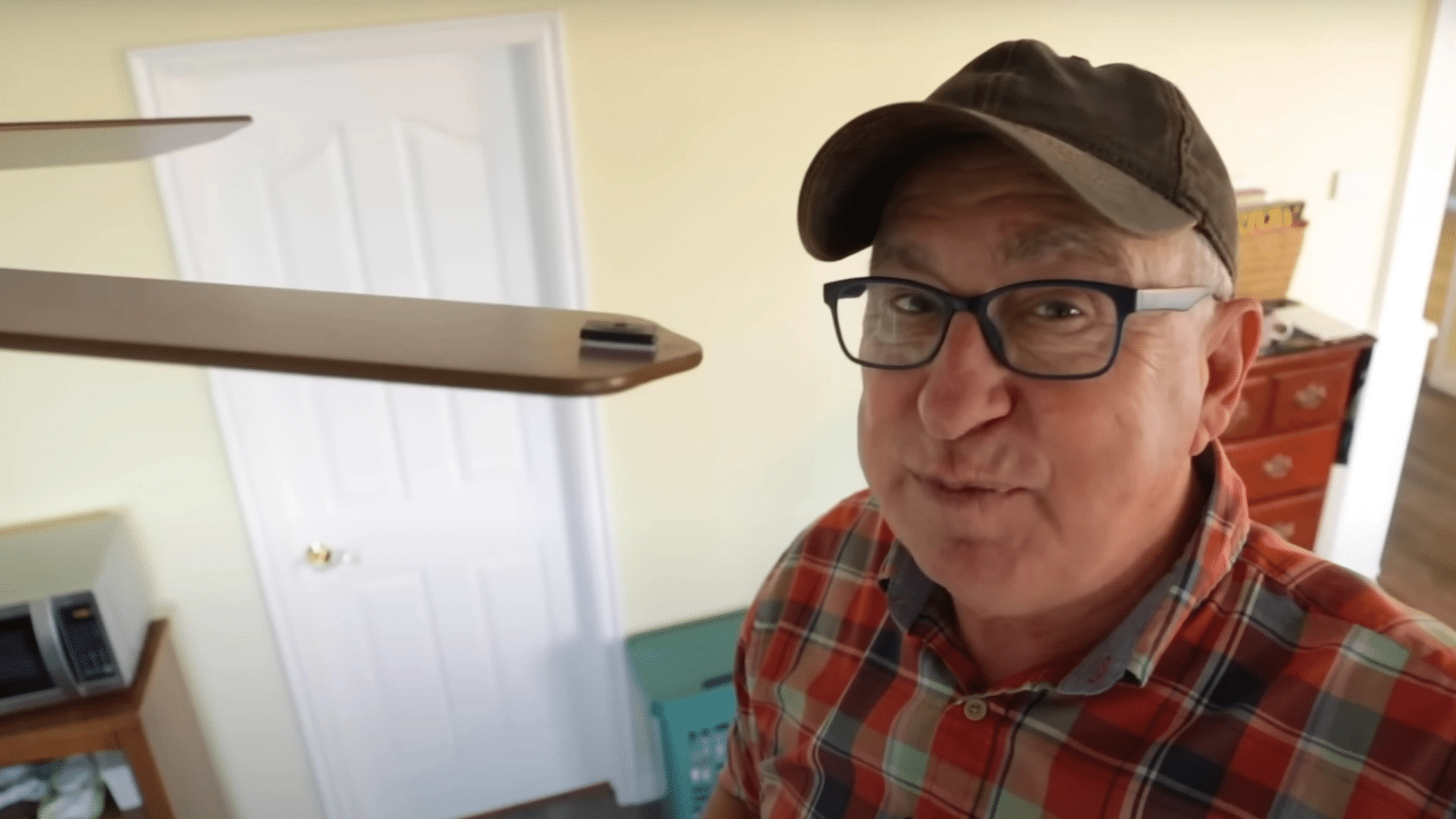
Replace the trial clip with a sticky weight on the top back of the blade at your best spot. This is usually near the tip. Make sure the weight sticks firmly to avoid it falling off later.
Test the fan again and move the weight slightly if needed. You can also add a second small weight if required.
Follow these steps carefully and your fan should run much smoother. Most people see a big difference after just one balancing session.
Video Tutorial
For more information, check out this video tutorial by DirtFarmer Jay
Online Communities About Wobbly Ceiling Fans
Real people share straightforward opinions about their ceiling fan problems and solutions online. These posts from actual homeowners and renters will help give a clear idea of what truly works day to day.
“My kitchen fan was shaking constantly. The issue turned out to be grease collecting on one blade. Cleaning it well solved the whole problem.” NoBroker Forums
“After trying balancing kits and weights, I found that securing every screw made the difference. The bracket underneath had come loose and needed tightening.” Electrician Talk
“Using pennies or round washers helped me balance my fan. I taped one on a blade and moved it around until the movement stopped. It’s a quick and simple solution for most wobbles.” Reddit
“When the ceiling box wobbled, I called an electrician to switch it for a sturdier mount. The fan hasn’t shifted since then.” Mike Holt’s Forum
As shown above, each home and fan setup is a little different. Some fixes can be done at home, while others require professional help. Try what has worked for others in the community and share your own story so people can benefit in the future!
How to Prevent Future Wobbling
Smart maintenance keeps your fan running smoothly for years. Here’s your prevention game plan to avoid future wobbling headaches.
| PREVENTION STEP | HOW OFTEN | WHY IT HELPS |
|---|---|---|
| Clean fan blades | Monthly, during heavy use | Stops dust buildup that causes imbalance |
| Tighten all screws | Once per year | Prevents vibration from loosening hardware |
| Check blade alignment | During annual maintenance | Catches warping or damage early |
| Professional inspection | Every 3-5 years | Finds problems you might miss |
| Use quality fans | When replacing | Better balance from day one |
A little prevention now saves you from bigger repairs later. Your future self will thank you for taking these simple steps today.
Get Your Fan Back to Smooth Operation
Most ceiling fan wobbles come from simple problems you can fix yourself. Loose screws, dusty blades, and small imbalances are usually easy to handle.
You don’t need special skills or expensive tools. Catching problems early saves your fan’s motor and keeps your family safe.
Regular cleaning and yearly checkups prevent most issues before they start. A smooth-running fan keeps you comfortable and gives you peace of mind. Your fan will work better and last longer when it’s properly balanced.
Remember that a little maintenance goes a long way. Addressing small problems now prevents bigger headaches later.
Fix your wobbly fan today and enjoy peaceful nights again!